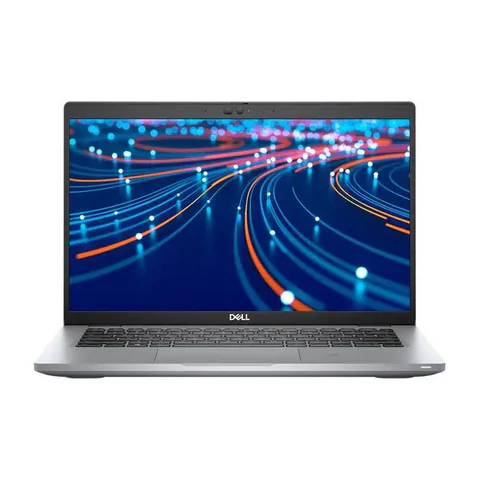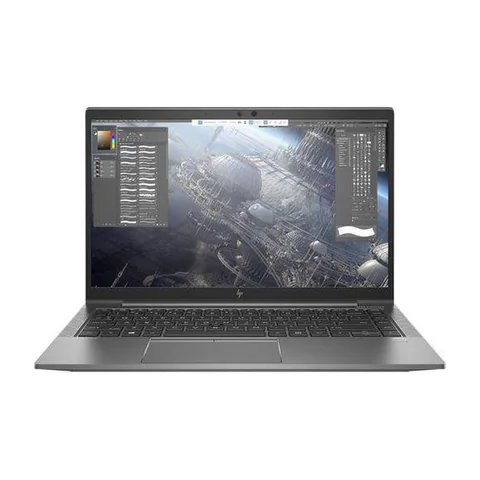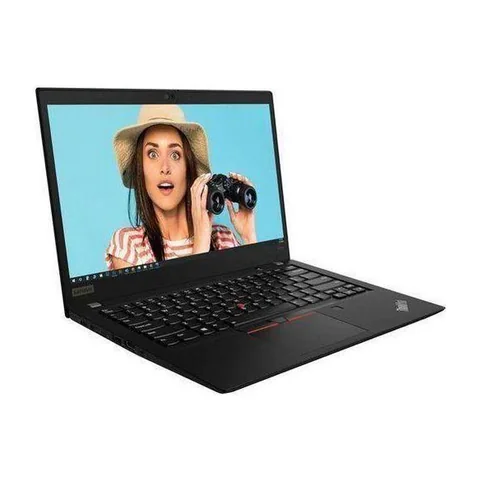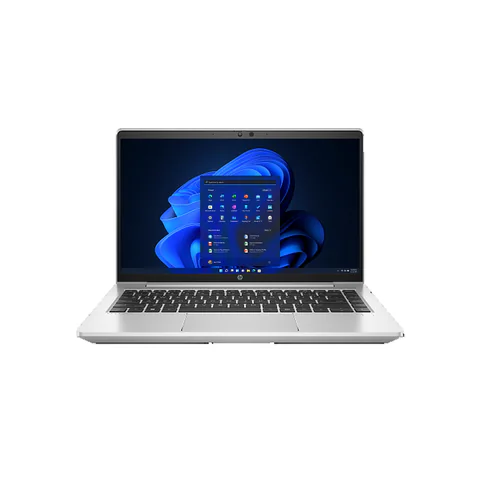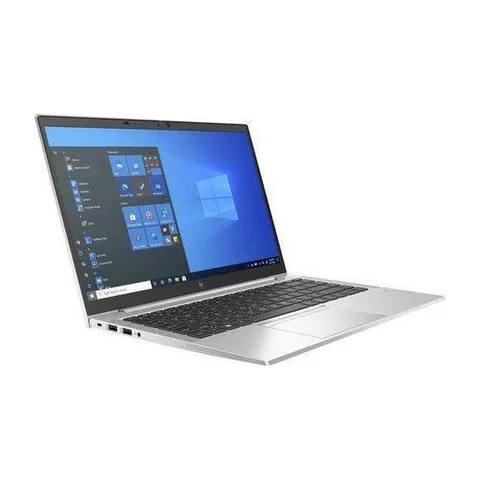
The best laptop for business and personal use in Kenya should handle your paid work without making everyday use awkward. Start with a 16GB RAM configuration and an SSD if you keep work apps, research tabs and personal files open together. A refurbished business laptop can offer useful specifications at a lower advertised price. However, condition matters as much as the model name. Our shortlist compares actual configurations listed on Laptop Prices Kenya, with clear limits where the seller has not supplied enough detail.
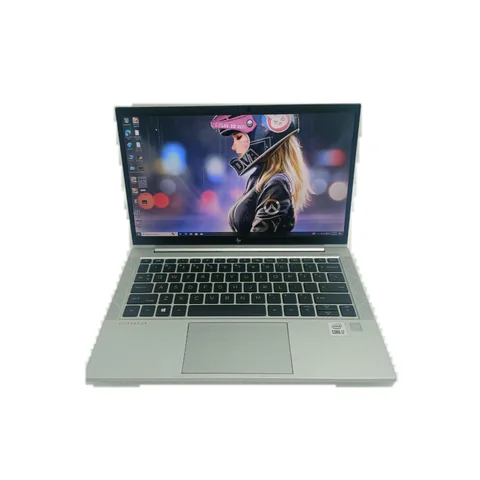
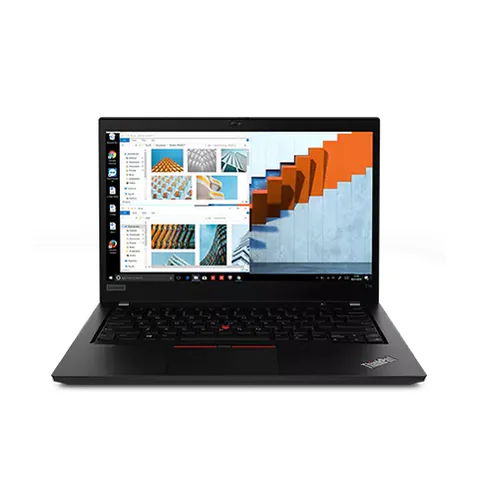
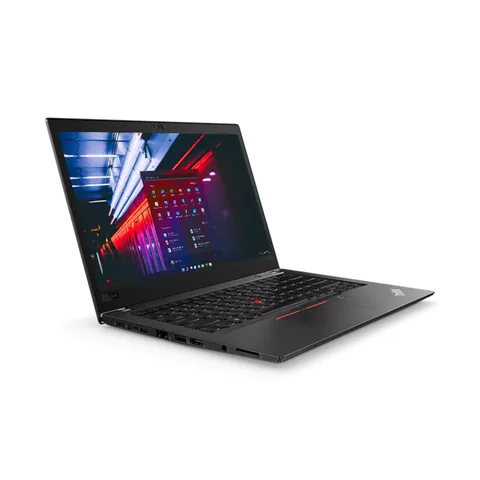
For most mixed-use buyers, compare the HP EliteBook 840 G8 with 16GB RAM first. Consider the ThinkPad T480s if a 512GB SSD matters more than a newer processor generation. Choose the ThinkPad T14 if its particular keyboard, ports and condition suit your routine. These are specification-based options, rather than tested winners.
Quick comparison: listed configurations and prices
| Model | Advertised configuration | Listed price | Listing shop |
|---|---|---|---|
| HP EliteBook 840 G8 | Intel Core i5 (11th generation); 16GB RAM; 256GB SSD | KSh 37,800 | Onit Computers Nairobi |
| Lenovo ThinkPad T480s | Intel Core i7 (8th generation); 16GB RAM; 512GB SSD | KSh 29,700 | Onit Computers Nairobi |
| Lenovo ThinkPad T14 | Intel Core i7 (10th generation); 16GB RAM; 256GB SSD | KSh 36,720 | Onit Computers Nairobi |
Prices checked on Laptop Prices Kenya on 20 November 2026. These are advertised configurations, all listed as Ex-UK refurbished. They are not checkout confirmations or a survey of every Kenyan seller. Confirm the exact unit, current total, battery condition and written terms with the named shop.
What makes the best laptop for business and personal use in Kenya?
Make two lists before looking at prices. The first should contain software you must run to earn money. The second should contain your personal activities. Office documents, video calls, films and family browsing form a different workload from design software, games or local AI models.
Next, identify the most demanding task you perform regularly. Buy for that task, while keeping a small allowance for growth. A laptop that handles invoices well may still be the wrong choice for editing long videos. Equally, buying a graphics workstation for email and streaming can leave less money for a good monitor or dependable backup storage.
| Your routine | Practical starting point | What to check first |
|---|---|---|
| Documents, browser apps and occasional calls | 8GB can work; consider 16GB for more simultaneous apps | Actual multitasking with your normal browser tabs |
| Spreadsheets, calls and personal media together | 16GB RAM and an SSD | Workbook speed, storage space and screen comfort |
| Creative work, games or specialist software | Requirements depend on the application | Official software requirements and the exact graphics chip |
Three configurations and their real compromises
The EliteBook 840 G8 option combines an advertised 11th-generation Core i5 with 16GB RAM. That makes it a sensible configuration to investigate for everyday mixed use. Its listed 256GB SSD is the main compromise. Once you add work software and personal photos, you may need more storage. Obtain a written upgrade quote before comparing its total with another laptop.
The ThinkPad T480s option includes 16GB RAM and a 512GB SSD at a lower listed price. That gives it a clear storage advantage in this comparison. However, its processor belongs to an older generation. Ask for the full processor number and test your actual software. Do not assume that its Core i7 badge automatically makes it faster than every newer Core i5.
The ThinkPad T14 listing also offers 16GB RAM, with a 256GB SSD. It provides a different configuration to compare within a similar spending range. Its listing does not establish battery runtime, panel quality or the exact processor suffix. Those gaps prevent a firm performance ranking. A careful inspection should decide between closely priced units.
Keep work and personal use separate
A shared machine needs a sensible setup. Use a separate user account for family browsing, and keep work files within your own account. Separate browser profiles also help prevent sending a personal attachment from a work email address. They are a useful organisational tool, although they do not replace a clear employer security policy.
If your employer provides a managed laptop, ask whether personal use is allowed before treating it as a family computer. If you own the device, ask whether the employer requires a particular operating system, encryption setup or management software. Resolve that question before buying, especially if the work involves client records.
Plan a backup from the start. An SSD improves responsiveness, but it does not protect files from loss, theft or accidental deletion. Keep another copy of important documents in a location you can restore from. Try opening a backed-up file so you know the process works.
A price comparison that includes the whole setup
Compare like for like. Add any necessary RAM or SSD upgrade, a suitable charger, required software, delivery and your first essential accessory. Ask whether the advertised warranty covers the battery, because used-battery wear can change the value of an otherwise attractive deal.
For example, a cheaper 256GB configuration may be a poor saving if you immediately need a larger drive. Conversely, a 512GB laptop is not automatically better value if the battery fails your mobile-work needs. Put each cost beside a reason, rather than buying every upgrade a shop suggests.
Use the RAM and storage guide to decide which upgrades matter. Then compare the exact configuration shown in each offer. A model-family starting price may belong to an 8GB unit, even when the article discusses a 16GB version.
Inspect these five things before paying
- Open your main work application and a realistic set of browser tabs.
- Check the processor number, installed RAM and SSD capacity in system settings.
- Test the webcam, microphone, keyboard, Wi-Fi and the ports you use.
- Ask for a battery report and try the machine away from its charger.
- Get the serial number, included accessories, return terms and warranty scope in writing.
Microsoft documents the requirements for Windows 11 compatibility. Check the actual unit rather than assuming that an installed copy proves support. The used-laptop inspection guide provides a broader physical checklist.
Common questions
Is 8GB RAM enough for both business and personal use?
It can suit a modest workload. However, 16GB provides more room for several apps at once. Keep the distinction clear: this is a practical buying preference, not a promise that every 8GB laptop will struggle.
Should I choose a touchscreen?
Choose one if touch input improves a real task. Otherwise, compare screen quality, condition and storage before paying extra. Touch support also does not establish active-pen support.
Which of these laptops has the longest battery life?
The listings do not provide comparable measured runtimes. Ask each seller for unit-specific battery evidence and test under similar brightness and workload settings. We cannot name a battery winner from these records.
Choose around your main task
The best laptop for business and personal use in Kenya is the configuration that fits your work, passes inspection and leaves room in your budget for the setup you need. Compare the shortlisted laptops, then confirm the exact unit and written terms with the shop before paying.
Research method and sources
This AI-assisted guide compares published specifications and advertised marketplace offers checked on 20 November 2026. It is not a hands-on review. Individual battery life, exact CPU part numbers and any omitted graphics details remain unverified. Laptop Prices Kenya helps buyers compare independent shops; the selling shop handles the sale and its own warranty terms.